Rizka Nurul
Afifah
Product Designer
Visual → Systems → Experiences
Designing clearer digital systems.
A thoughtful, user-driven Product Designer with a background in visual, motion, and digital design—bringing systems, interactions, and communication into decisions that feel clearer for people to use.
A selection of product thinking, interface design, and visual work across digital and physical touchpoints.
Making a five-role workflow easier to follow.
Sales orders and delivery tasks in one connected mobile app.
Helping visitors navigate a large destination with more confidence.
From company profile to digital sales engine.
Code, ride, repeat.
Turning identity into a reusable visual system.
Communication design across presales, post sales, internal engagement, and brand communication.
Personal content and photography works collected outside client work.
I am most energised when a product has many moving parts: people with different roles, an unclear workflow, or a story that needs shape. I bring visual craft and product thinking into the same decision.
Working across presales, post-sales, marketing, and digital product conversations. I support prototype and demo materials, website direction, marketing tools, events, and stakeholder discussions around how a system should be understood and presented.
Created everyday visual communication for a consumer fashion brand. I designed social content and catalogs, photographed products and models, and edited video assets across campaign and commerce needs.
Dinkominfo Kabupaten Purbalingga
Fopini.id
Communication, General
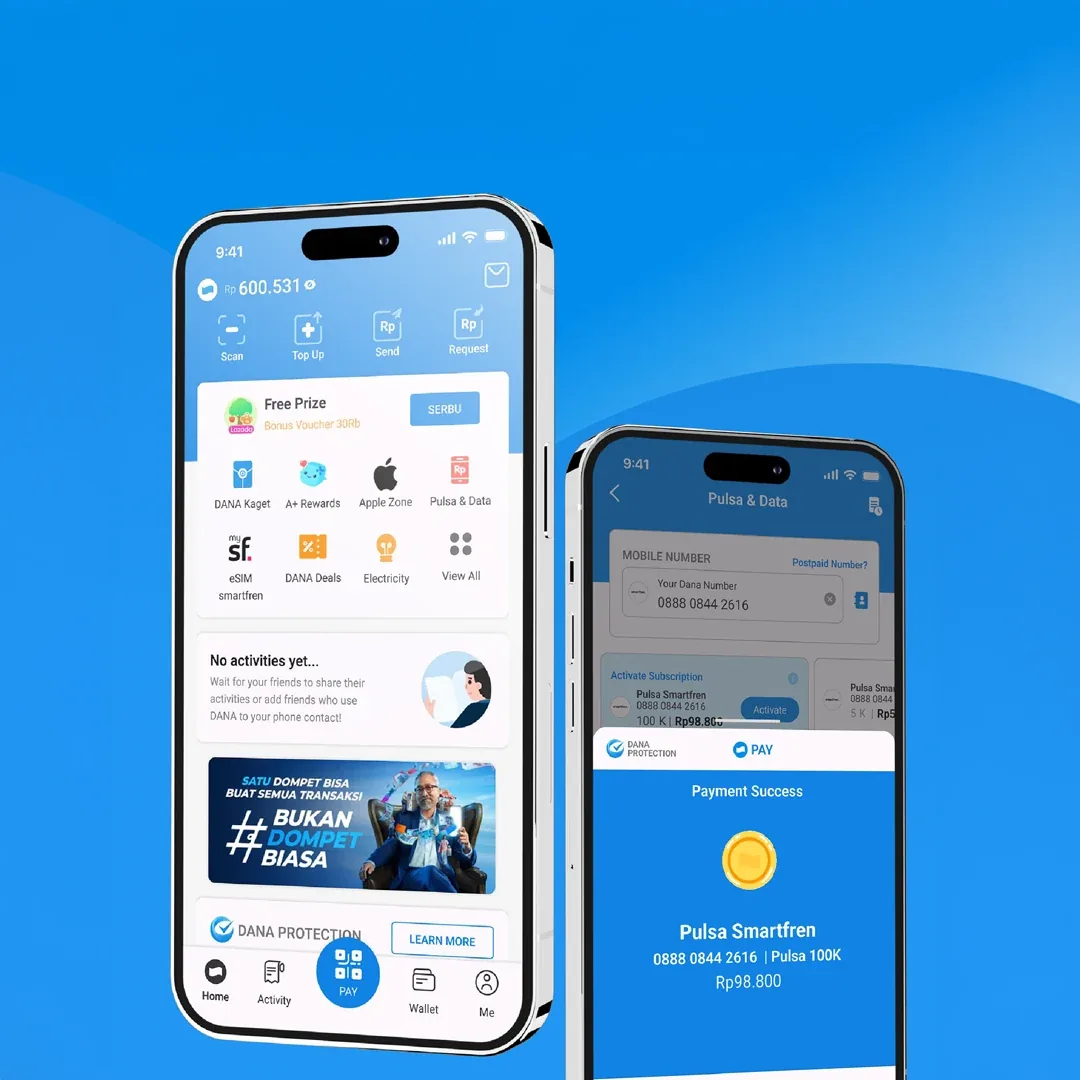
Completed a product-design learning program with a final DANA study case focused on new-user activation, trust, and feature discoverability.
A concept for one system that helps Procurement & Fixed Assets monitor requests, maintenance work, schedules, and asset records in one place.
Before designing the interface, I focused on the problems users face when maintenance information is spread across many people and activities.
Procurement & Fixed Assets needs to see requests, schedules, work progress, and follow-up without collecting updates from separate people or files.
The system connects five user roles. Each role sees different information, but all work stays connected in the same process.
Needs a clear view of requests, maintenance schedules, work progress, approvals, and records across the system.
I joined the work while the team was discussing requirements with Procurement & Fixed Assets. I handled the design work and supported the SA/BA and Tech Lead during mapping, planning, and flow discussions.
I read the requirement and grouped the information into users, tasks, data, and handoffs. This helped the team discuss the system before deciding on screens.
I created a reusable visual and UI foundation so screens, states, and future modules can stay consistent as the system grows.
Typography, color, spacing, and layout rules help users scan information without making the interface feel crowded.
The prototype includes web and mobile flows. It is used to review how people move through the system before development begins.
Desktop flow for reviewing maintenance activity and opening items that need attention.
This project is still in concept stage. The work below shows my contribution during the early design process and is not a claim about production results.
The prototype gives Procurement & Fixed Assets and the internal team a shared reference for discussing the system before development begins.
The next step is to validate the requirements, prioritise modules, and refine the design with the wider project team.
Portfolio version: show selected flows only, use anonymised data, and remove confidential operational information.
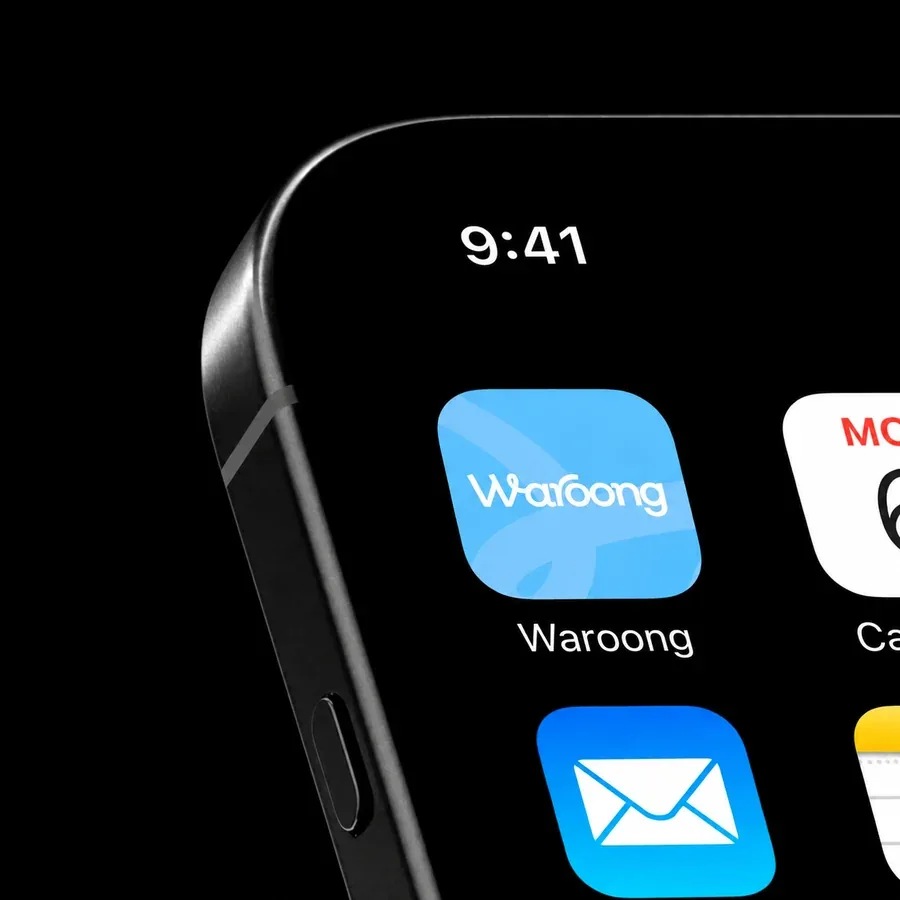
A mobile app for Joyday and Alamui distribution operations. It connects sales orders, Odoo validation, delivery, payment, and return handling in one system.
Sales and drivers work in one app. Odoo stays connected in the background to verify and monitor the process.
Sales creates customer records and sales orders. Drivers complete delivery and payment tasks. Both activities are recorded in the same operational system.
The same app supports field sales and drivers. Odoo admin completes the checks in the connected back-office system.
Sales can find or add a customer, check stock, select products, and create a sales order directly in the field.
Each flow follows the actual order of work and shows who completes each step.
A return can start from goods that are not delivered or from a customer request submitted by Sales.
Selected foundations, components, and states from the Waroong Figma file will be placed here.
This space is prepared for the foundations, reusable components, and states used across the Waroong App.
I joined the project from early feature exploration through UAT and development coordination.
Mapped the order flow from customer registration to delivery order.
Created user flows, wireframes, high-fidelity screens, and clickable prototypes.
Connected the mobile team with Odoo developers, QA, SA/BA, and project stakeholders.
Waroong is used for sales and delivery work, with Odoo keeping the operational records connected.
Sales can create orders in the field, while drivers can complete delivery, payment, and return tasks in the same connected system.
I learned to explore needs across Sales, Odoo Admin, and Driver roles, then turn their handoffs into one mobile experience.
Next: improve hierarchy, usability, and visual clarity as the product continues to grow.
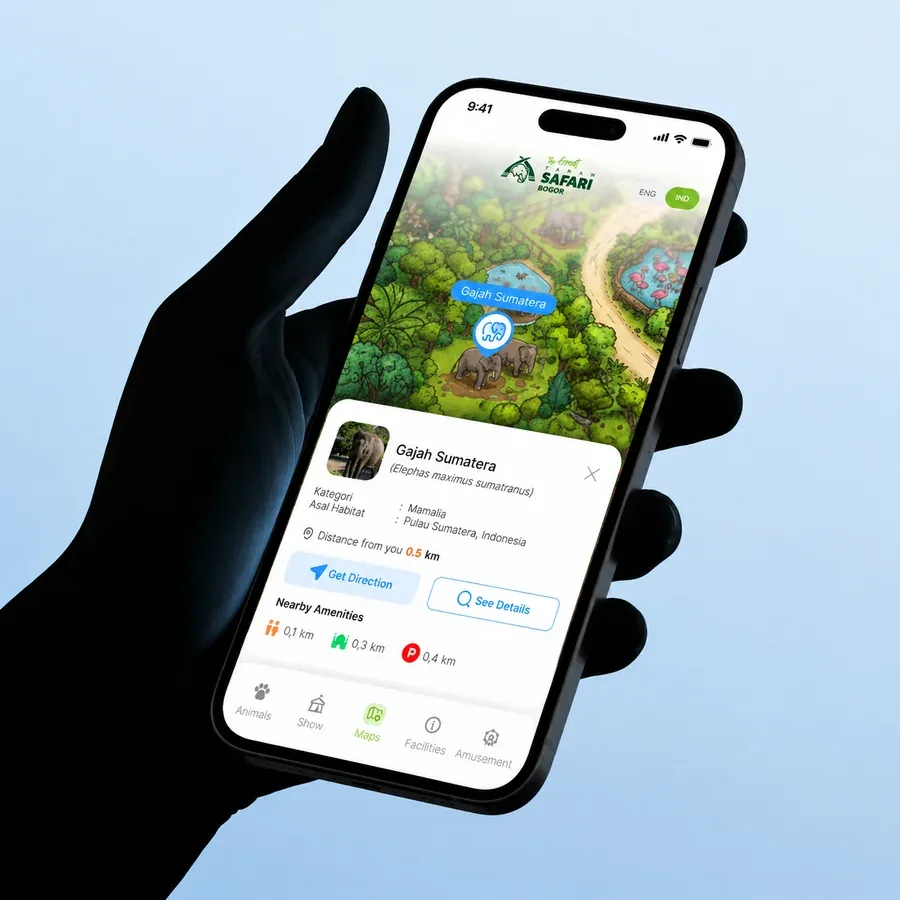
A mobile digital companion concept for Taman Safari Indonesia Bogor—designed to help visitors navigate a large destination, find what they need, and discover more during their visit.
Taman Safari Bogor covers a large area. Without a digital map, visitors need to rely on a physical map or ask staff to find locations and information.
Visitors may not know where an animal zone, attraction, tenant, or public facility is located.
Visitors can miss show times, feeding sessions, and other activities during their visit.
Toilets, prayer rooms, parking areas, ATMs, and first-aid points need to be easy to access.
Tenants and areas away from the main route can be harder for visitors to discover.
The app includes six main features for navigation and visitor information.
This is the high-fidelity prototype for the Digital Map Taman Safari Indonesia concept.
The prototype shows how visitors can explore the map, find information, and start navigation inside the park.
This was an early concept proposal, so the learning comes from the process of giving an open-ended problem a usable form—not from implementation metrics.
I worked from a verbal brief without detailed operational data or a formal requirement document. The process required defining the problem space, prioritising information, and turning the proposal into an understandable mobile prototype.
“A concept for something that did not yet exist: a digital companion for exploring Taman Safari Indonesia Bogor.”The proposal received positive feedback but was not continued into implementation, likely due to budget constraints. No validation or business-impact claims are made in this case study.
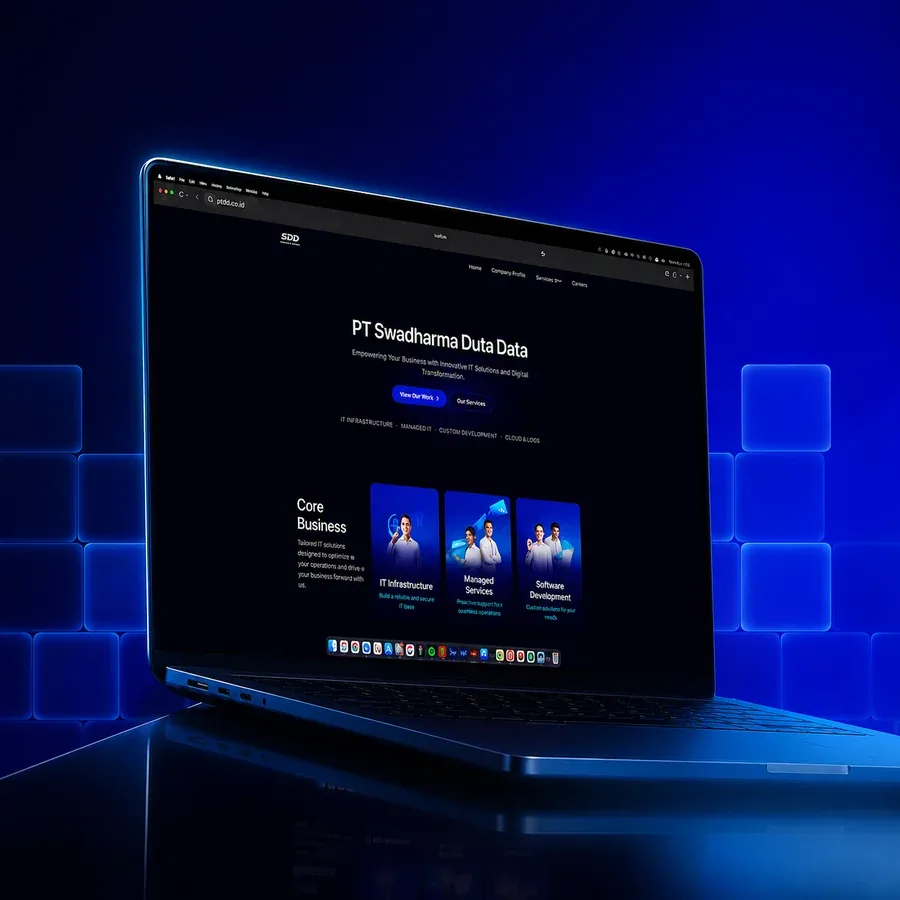
A company website revamp that is now live as an e-compro with clearer information, visible CTAs, and social channels—planned to grow into a CMS-powered digital sales engine.
The new website has replaced the legacy site with a more current company profile, clearer access to key information, visible calls to action, and direct links to SDD’s social channels.
The new e-compro is accessible as SDD’s public-facing website.
Visitors now have visible next steps to continue the conversation.
Social touchpoints are available as part of the broader company presence.
Phase 1 replaces the previous website with a clearer e-compro that can already be accessed by visitors.
Phase 2 is planned to make the website more structured, easier to update, and more useful for sales, publishing, and candidate journeys.
Structured content management for pages, campaign needs, and recurring website updates.
A consistent format for turning SDD projects into accessible proof of capability.
Publishable insights that build relevance, support organic traffic, and create new entry points.
A Career Page that can connect candidate discovery with HRMONY, the HRMS product designed in parallel.
Visitors can begin with a business need, then move toward a relevant solution, proof, and action.
Reusable content and clearer journeys create a more active digital channel after the launch.
The current release is honest about what has launched, while the next phase gives the website a structured path to grow.
The previous website has been replaced with a more current, structured, and accessible company website.
Phase 2 will make the website more active across discovery, publishing, reusable proof, and candidate journeys.
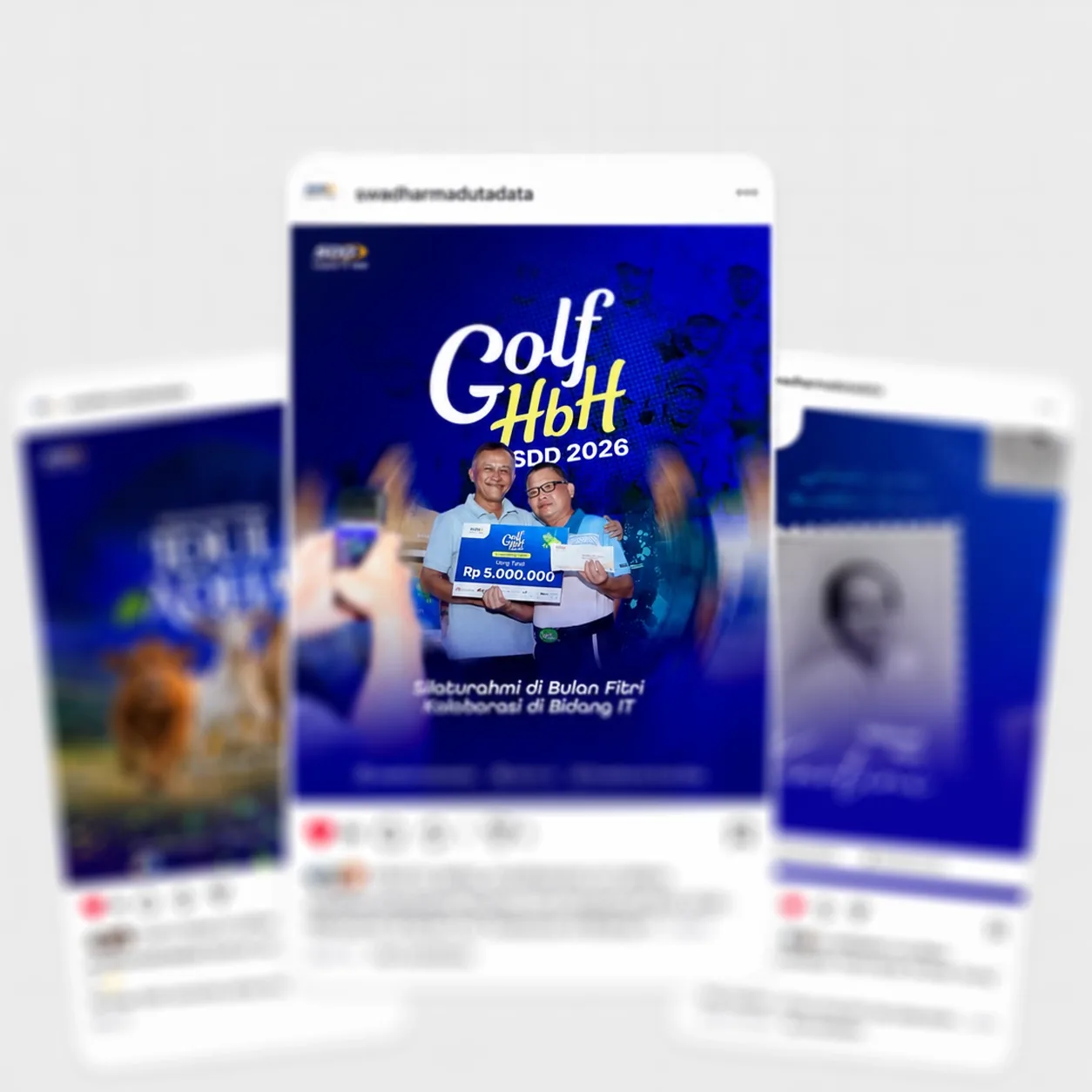
Selected communication and marketing work created for SDD across presales, post sales, internal events, print, and digital content.
Open any placeholder to view its detail. Use the arrows to move through each carousel.
Showing all archive work.
Social media posts for company updates and campaigns.
Presentation materials for service introductions and sales conversations.
Annual calendar and agenda materials for SDD.
Event materials for SDD Employee Gathering 2026.
Short-form posts for campaigns and company announcements.
Supporting materials for conversations around SDD’s services and capabilities.
Everyday printed touchpoints designed to feel useful and recognisable.
Photo and video documentation for internal events, employee activities, and company moments at SDD—captured from behind the camera.
Vertical recap placeholder for an SDD event or internal activity.
Vertical placeholder for people, activity, and event atmosphere.
Vertical closing or recap placeholder for an SDD company moment.
Replace the illustration with exact vector outlines from the final PTI master logo.
Visual placeholders for logo meaning, approved lockups, and variations.
Replace every sample value below with the approved PTI colour codes.
Replace with approved name and HEX / RGB / CMYK
Use the final typefaces, scale, tracking, and hierarchy from the guideline.
Heading family / replace with approved typeface
Flat master, annotation callouts, and a use mockup in one visual sequence.
Replace with final dimensions, logo placement, contact blocks, and approved annotation notes.
Replace the cards with final front and back artwork.
Use this space for print specification, card stock, finishing, or the final information hierarchy.
Hover to replay the stamp impression. Replace with final vector artwork.
Replace with actual company name, registration detail, and final circular composition.
Replace the presentation cover with final title, report series, and production mockup.
Use this final application to show the brand system working at document scale.
Code, Ride, Repeat.
Born from the familiar fatigue of office routines, BikeCRUD became our shared excuse to step outside—to explore, ride, and collect stories together.
Scroll through short moving fragments. Use the arrows to keep the ride looping.
Carousel, looping motion, and documentary frames are kept together as one growing visual record.
Things I make when there is no brief.
A growing collection of personal content, visual observations, and photographs made outside client work—kept as a space to keep looking, making, and learning.
Reels, carousels, visual notes, and experiments in how an idea can be seen.
Showing all personal work.
Reserved for a short-form visual story.
Reserved for a second vertical loop or edit.
Reserved for a landscape-format visual.
Reserved for a second landscape edit.
Five connected slides in a landscape sequence.
Five connected slides for another visual sequence.
Six connected slides in a portrait sequence.
Six connected slides for another personal story.
People, places, details, and ordinary moments held long enough to become a frame.